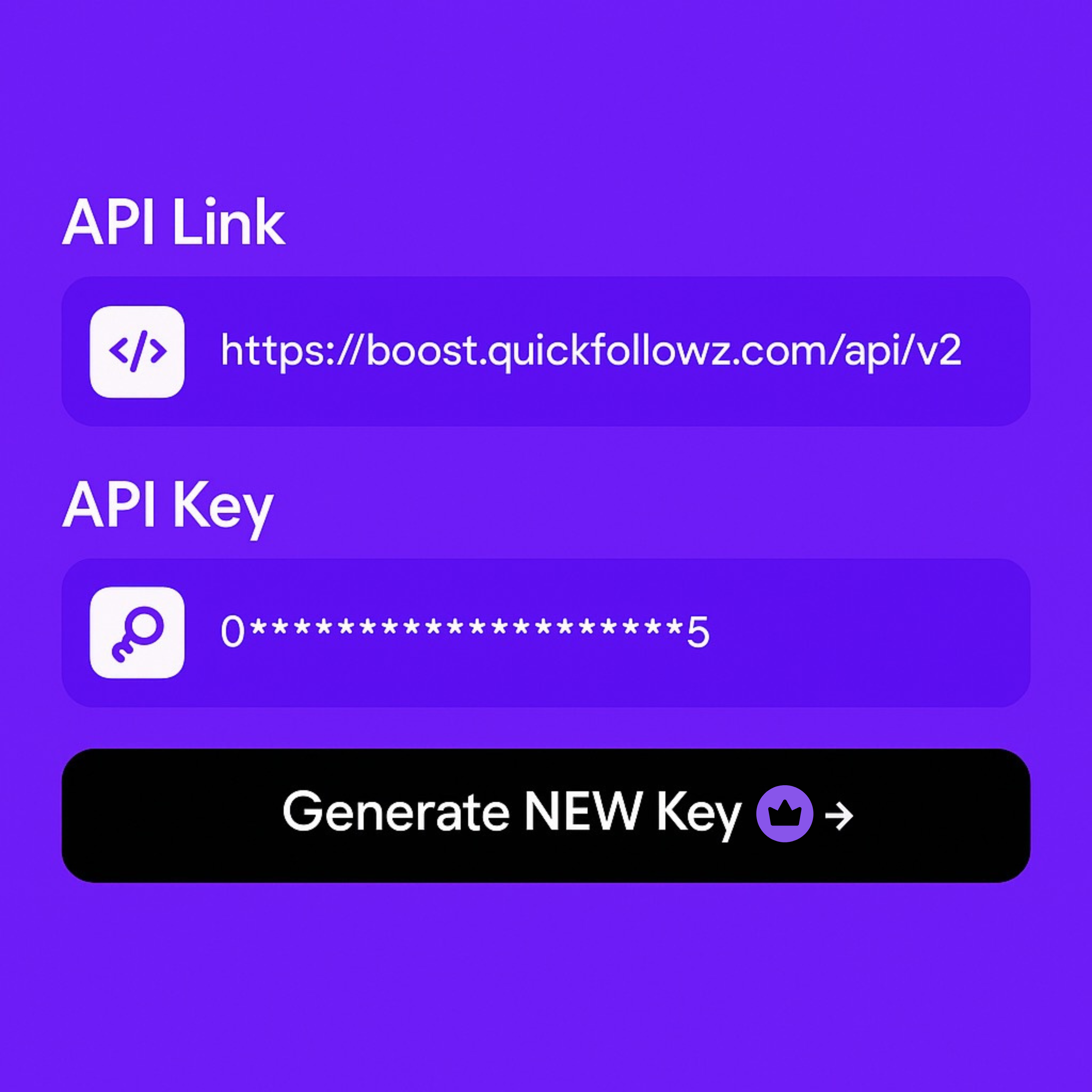


🔐 API Key & Documentation Access (Premium Booster Only)
Welcome to the QuickFollowz Premium Booster Help Center. This guide walks you through accessing and using the API Key & API Documentation feature — available exclusively to Premium Booster users.
- Generate an API Key
- Access the API Documentation
🔑 What is the API Key?
The API Key is a secure token that allows developers to programmatically place orders, check balance, and access services through QuickFollowz’s system. It’s a must-have for automation, integrations, or reselling.
📍 How to Generate Your API Key
- Log in to your Booster Dashboard.
- Go to Account Settings → API Setting.
- Click “Generate New API Key”.
- Click Copy to save it securely.
Tip: Treat your API key like a password. Do not share it publicly.
📚 Accessing the API Documentation
The official QuickFollowz API docs contain everything you need to get started:
- Authentication & endpoints
- Request examples
- Service lists and parameters
- Error codes and handling
Access it from your dashboard or directly: https://quickfollowz.com/api
✅ What Can You Do With the API?
- Place and track orders (likes, followers, views, etc.)
- Check your current balance
- Access services and pricing
- Integrate with your own panel or reseller system
🔁 Regenerate API Key
If you need to replace your current API key:
- Go to API Setting in your Account Setting.
- Click “Regenerate Key”.
- Confirm the action — your old key will be replaced immediately.
❓ Troubleshooting
| Issue | Solution |
|---|---|
403 / Unauthorized |
Ensure you’re subscribed to the Premium Booster plan. |
| Missing API Key | Go to “API Setting” and generate a new one. |
| Invalid API Request | Refer to the documentation to structure requests correctly. |
📌 Best Practices
- Always use
HTTPSto make requests - Store your API key securely (e.g., in environment variables)
- Implement error handling and rate limiting
🚀 Ready to Scale?
Use the QuickFollowz API to power your services, automate workflows, or grow your reselling business — fast, reliable, and only for Premium Booster members.
Need help? Contact us at Report A Problem or use the Ticket chat in your Booster account.